






If you’re making a video, you want to be sure that your audience sees and remembers your brand. An impressive logo animation will stick in the minds of your viewers. Here are the best logo animation templates for After Effects from Envato Elements plus two free logo animation templates from Mixkit.
Top Logo Animation Templates for After Effects
Featured After Effects Template for Logo Animations
Minimalist Logo Animations
A simple logo reveal for After Effects. Sometimes simple and clean is best!
Key Features
Three clean and minimal logo designs for After Effects that would suit a range of brands and businesses. The animations are quick and simple too, and there’s room for a tagline underneath.
- Application: After Effects
- Plugins: None required
- Author: Smart_Pixel
Alternative Logo Animation After Effects Templates
If our featured template isn’t quite right for you, try these great alternatives for After Effects instead, they’re available from Envato Elements, so they’re included in a monthly subscription.
2. Lower Thirds And Logo Animation
Try this matching set of lower thirds plus logo animation templates. In a fun neon style, they’d be great for tech related videos.
3. The Logo Glitch Animation Project
A dynamic, glitch effect After Effects project for animated logos. This is bright, busy and filled with personality.
4. Project Mapping Logo Reveal Pack
This pack of three logo animations is energetic and memorable. It uses projection mapping to elevate your logo and create a dynamic light show on and around it.
5. Logo Blast
This AE logo has a futuristic, cryptic animation. It can be applied to all types of designs, and it works without any plugins needed. At 4K resolution, it’s perfect for a tech-themed logo reveal.
6. Stylish Logo Pack | After Effects
The Stylish Logo Pack contains six distinct logo animations. Use them for your brand’s logo or to promote your social media channels.
7. Abstract – 3D Logo Animation
A realistic stone planet After Effects animation template, it reveals your logo by rotating it with smoke effects in an impressive cinematic style. The eerie music used, is included in the download.
8. Shape – Simple Logo Animation After Effects Template
A fun cartoon bubbly yet simple logo reveal, this After Effects template is suitable for any lively video animation project. You can easily change elements and customise them to suit your project.
9. Digital – After Effect Animation Logo Video
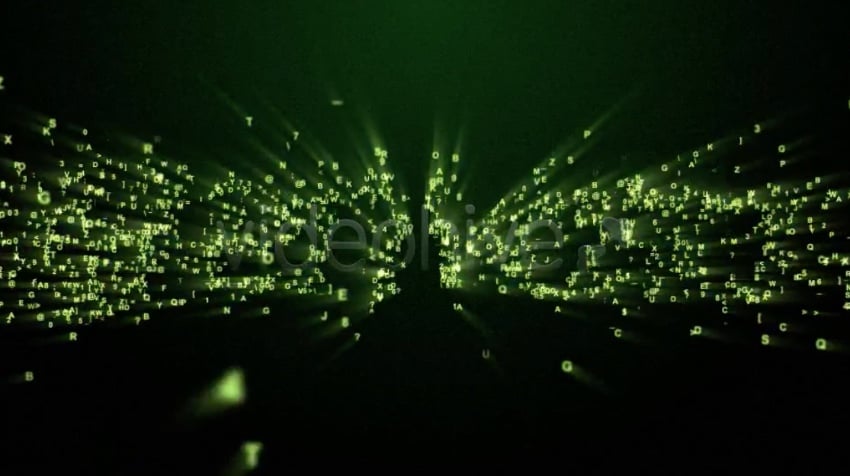
Digital has shades of The Matrix, with its digital code effect. You’ll need Trapcode Form 2.0 (or above) plugin to be able to use this, but a video tutorial is included in case you get stuck.
How to Animate in After Effects | FREE COURSE
Learn how to Animate in After Effects for free with Dave Bode in this Tuts+ course.
10. Glitch – Simple Logo Animation After Effects Template
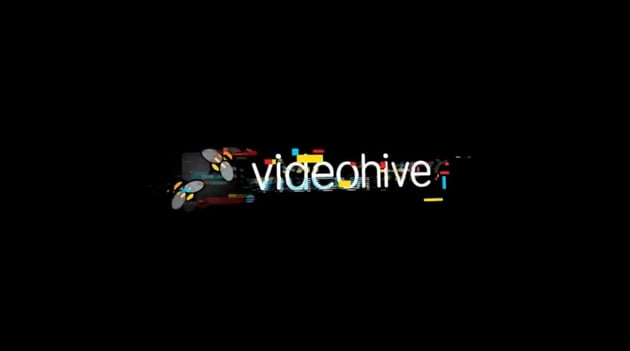

This animation logo for After Effects makes use of the popular glitch effect. Just import your logo and text, change out the colours of the effect and you’re good to go!
11. Chef Knife Logo
Cook up interest in your restaurant with the Chef Knife Logo. This modern logo video animation reveals your design with a chop from the cleaver. It’s a unique way to present your logo.
12. Logo & Title – After Effect Animation Logo



Logo & Title is a logo animation with a smooth, clean, and fun style. Try stacking different options for new effects, to create both logo reveals and animated titles.
13. Adobe After Effects Logo Animation

Logo Animation is a fresh and dynamic project. It has the versatility of being excellent as an opener, intro, or outro for your presentations, slideshows, or other videos. The template is simple to edit and the sound effects are included in the download.
14. Flat Colourful Logo Animation
This colourful logo animation won’t leave you feeling flat… With no plugins needed, it’s simple to use and boasts a fast render time. There’s full-colour control and 12 social media icons are included so you can let your audience know where else to find you.
15. Logo Animation Template for Adobe After Effects



Available in 4K or full HD, Logo Animation includes 15 placeholders, shape controller, and different variations of animation.
16. Particle Reveal
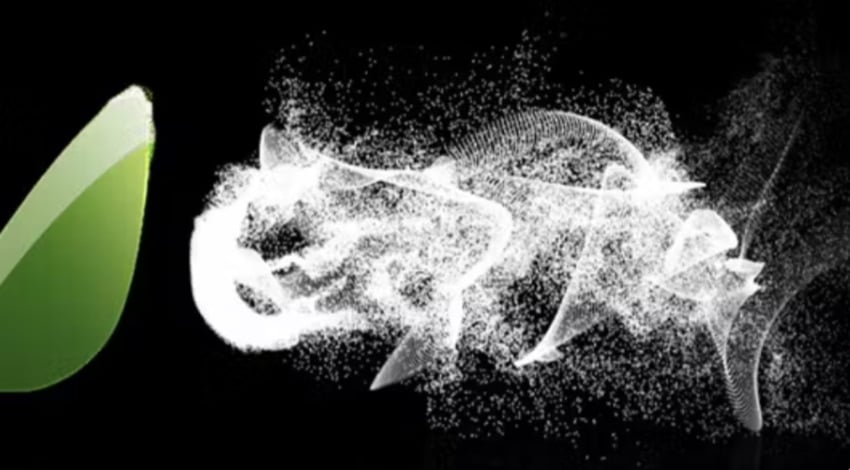
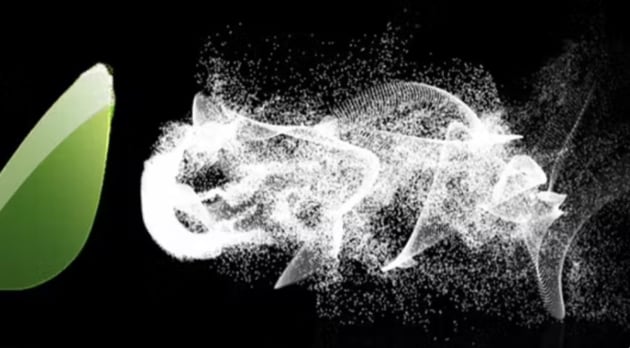
Everyone loves a particle reveal and this one couldn’t be easier to use – just drop in your logo and hit render! You’ll require a Trapcode plugin to use this but there’s a video tutorial included if you need it.
17. 3D Logo Intro Pack
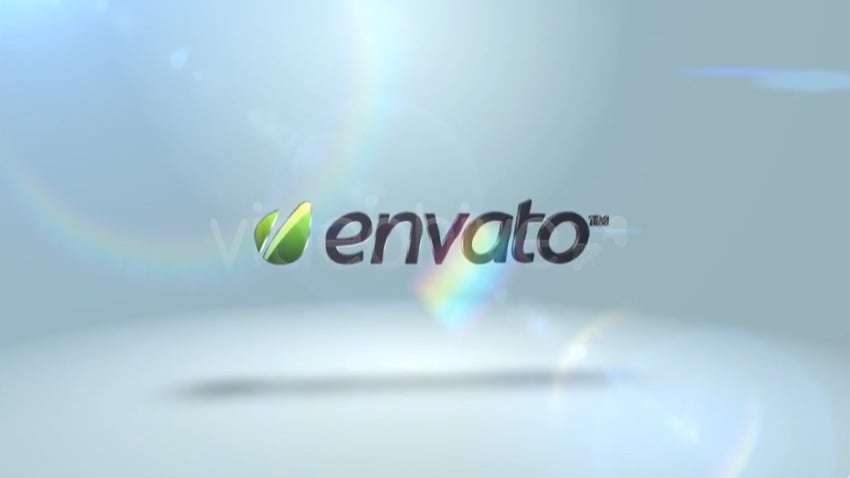
With four animations to choose from, the 3D Logo Intro Pack is a stylish addition to any video. Simply insert any logo or text to have it converted to an impressive 3D model with movement.
Free Logo Animations for After Effects from Mixkit
If you’re on a budget, why not check out these free logo animation templates from Mixkit.
18. Splash Logo Reveal



I’ll hold off on the water puns here. Instead, I’ll say that this cool animation features colorful ink that reveals your logo. It’s sure to make a splash in your video (couldn’t resist).
19. Logo Glitch Reveal
Glitch effects are still in style, and this logo animation capitalizes on the trend. It features a static fracture effect and some distortion to eventually reveal your logo.
The Best Source for After Effects Logo Animation Templates (With Unlimited Downloads)
Envato Elements is the ultimate source for premium After Effects logo animation designs. For a low monthly rate, you can download and use as many as you want. Plus, Elements includes millions of other digital assets! You’ll enjoy fonts, stock photos, music, and more.
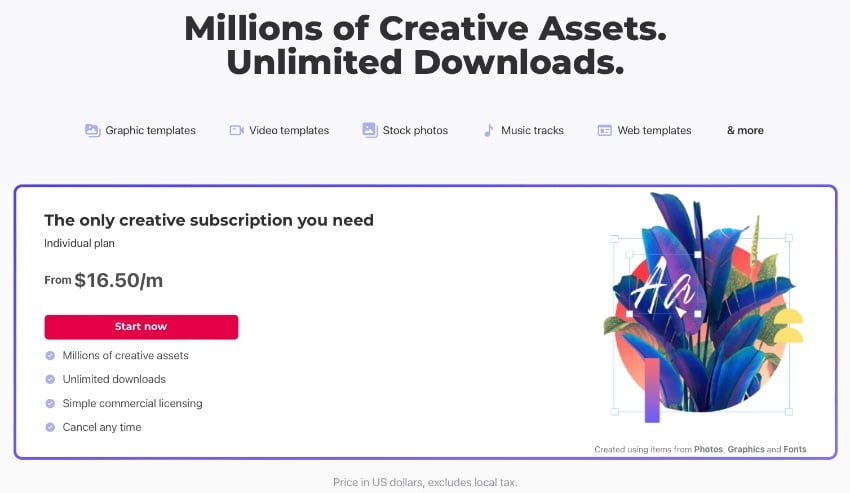
Elements is the ultimate creative value in 2023. Truly, you can’t afford to miss out. The unlimited downloads feature gives you unmatched creative freedom. You can try out as many logo animation After Effects designs as it takes to find the perfect one for you.
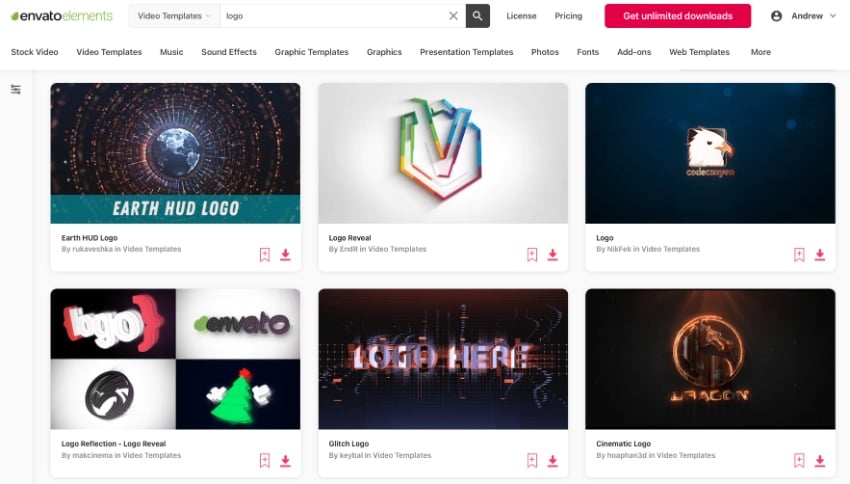
Sure, you can find logo animation with free designs. But they can’t equal the quality and style you’ll enjoy with premium logo animation template designs from Envato Elements.
When you choose an Envato Elements logo animation After Effects templates, you’ll experience:
- Easy-to-edit designs. If you don’t know how to animate a logo in After Effects, not to worry! Premium templates do much of the work for you. All you have to do is drop in your own logo and you’re on the way to having your own After Effects logo.
- Sleek, inspired layouts. Elements After Effects logo designs deliver design inspirations. With layouts built by effects experts, you won’t have to guess at what audiences will enjoy. In a flash, you’ll benefit from cinematic styles made for you.
- Full customization. Choosing a pre-built logo animation template doesn’t mean giving up creative flexibility. In fact, it opens many doors. You’ll save time with layouts already in place. But you’ll keep full creative control, thanks to layered designs and intuitive features.
As you can see, Envato Elements is the best source for a premium logo animation templates in After Effects. Elements delivers unmatched quality and flexibility, every single day. That’s why it’s your top choice for logo animation designs in 2023 and beyond!
How to Quickly Customize After Effects Logo Designs (In 2023)
We’ve explored the very best After Effects logo animation templates for 2023. These help you make a winning impression with every video project that you create. But how do you get started? How do these templates work?
Fortunately, premium logo animation templates from Envato Elements are quick and easy to use. In fact, you can work with them in just five quick steps! We’ll learn how now, in this mini-tutorial.
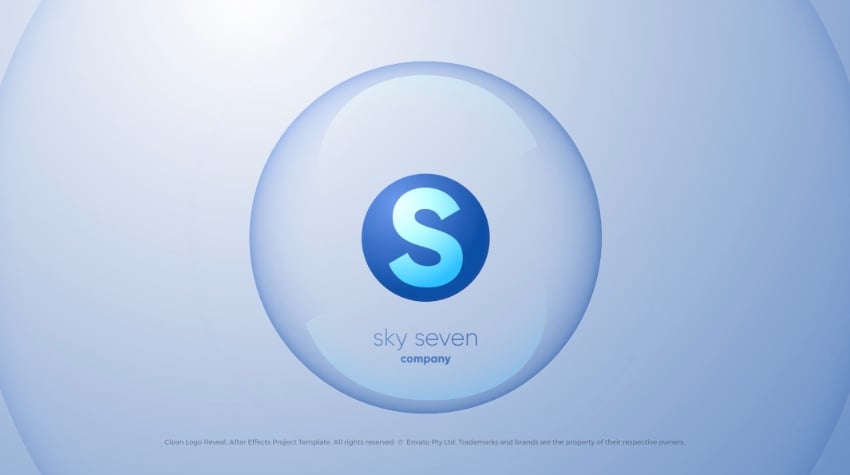
Want to follow along? Download the Clean Logo – Logo Reveal from Envato Elements. We’ll use it in this quick tutorial.
1. Open a Premium Template
Once you’ve downloaded your logo animation template for After Effects, you’ll need to open it in the app. Elements downloads will be included in their own folder, which you can find by going to Downloads. (Or, wherever you specify for files downloaded in your browser to go).
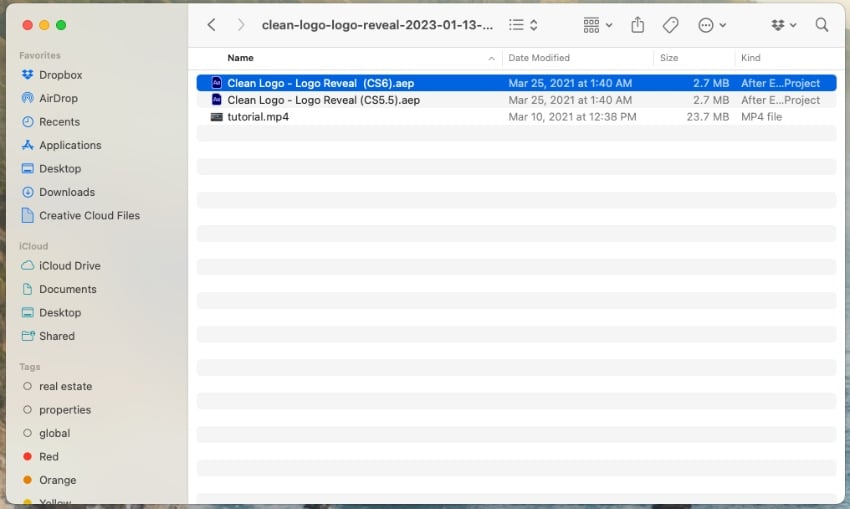
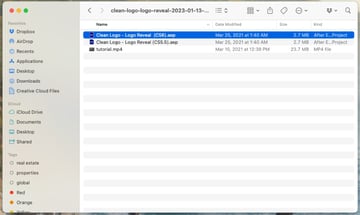
Open the folder you’ve downloaded, then find the .aep file inside. Here, we’ll choose the one for After Effects CS6. Double-click on the file, and your After Effects logo template will open. You’re ready to start editing!
2. Add Your Own Logo
With After Effects open, it’s time to start building your logo animation. Begin by finding the Project sidebar on the left side of the screen. You’ll see an array of folders and files inside: Change_Logo, Change_Titles, and so forth.
Browse to a logo image file that you have stored on your computer. Then, drag and drop it onto the project sidebar. You’ll see it import and appear in the listed files.
Next, open the Change_Logo folder. Then, double-click on logo_1. Then, activate the Selection tool. In the main window where the logo is visible, click on it and press Delete on your keyboard. Repeat until all content in the original logo is gone. You’ll see a black square in the editing view.
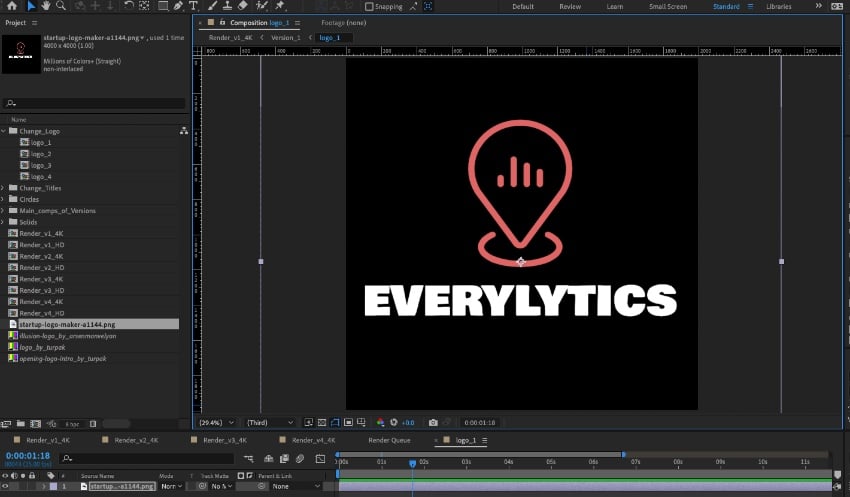
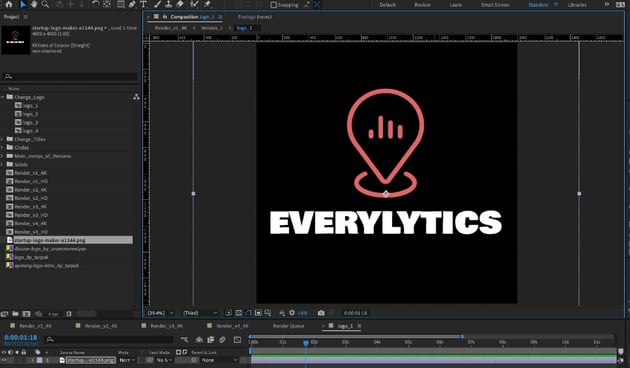
Now, drag the logo you imported over the black square. Pull on the corners with your cursor as needed to perfectly size and scale your After Effects logo animation.
3. Customize Text
Just like that, your logo animation is added! But there are still edits that you can make. For example, you can customize the title text included in the logo animation template for After Effects.
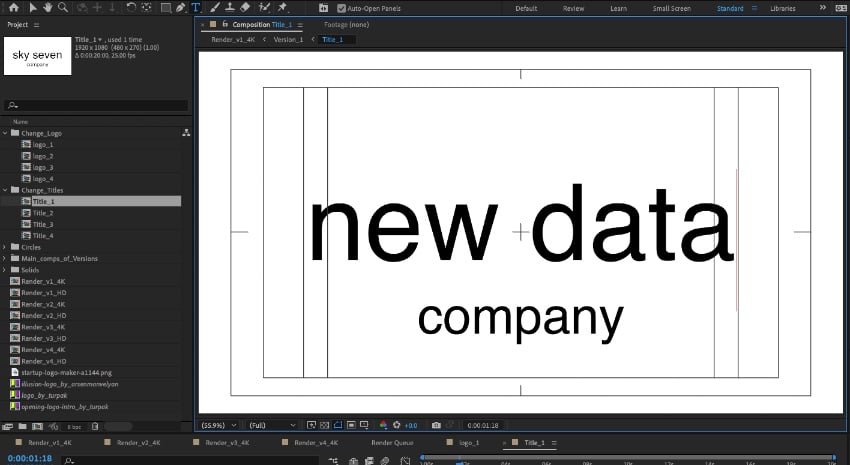
To begin, open the Change_Titles folder. Then, double-click on Title_1. From the controls, activate the Horizontal Type Tool. With it active, click on the existing text and select it. Then, replace the existing text with your own words.
4. Insert Background Music
After Effects also offers the ability to add background music. It’s a fun way to make your logo animation template more engaging.
Start by clicking into Render_v1_4K on the Project sidebar. In the lower left corner, you’ll see the list of layers and objects contained in this render. To add music, browse to a stored audio file. Then, drag and drop it onto this list of layers. Your After Effects logo animation music will import!
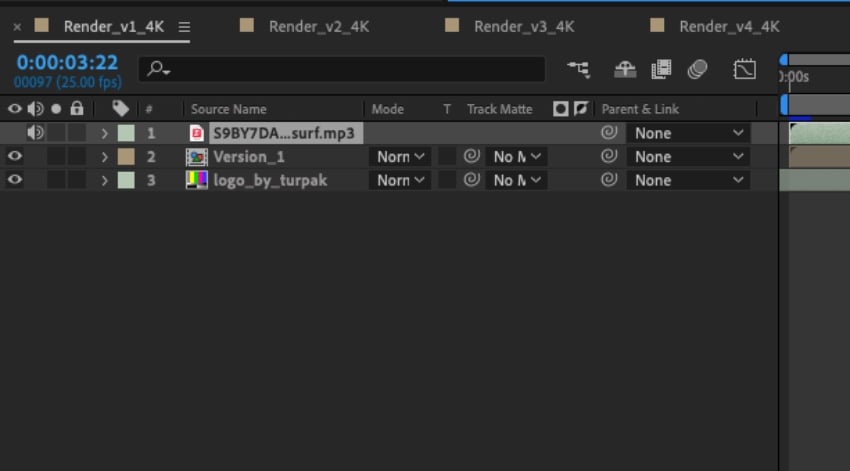
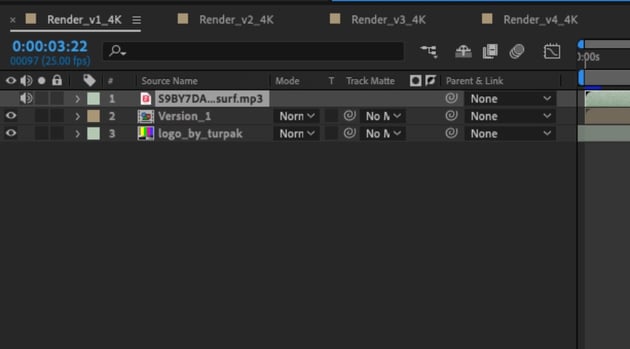
From here, you can optionally trim the music to match the length of your video. After Effects features help you do this easily. Need epic music? Once again, Envato Elements has you covered with thousands of royalty-free audio tracks available for download.
5. Export the Finished After Effects Logo Animation
In moments, you’ve built your own logo animation in After Effects! All that’s left now is to export the finished product for sharing.
To begin, go to the File > Export menu. From the list of options, choose Add to Render Queue. You’ll see the Render menu at the bottom of After Effects launch.
In the Output To menu, choose a destination for your saved file. Finally, click the checkbox next to Render_v1_4K, and click Render.
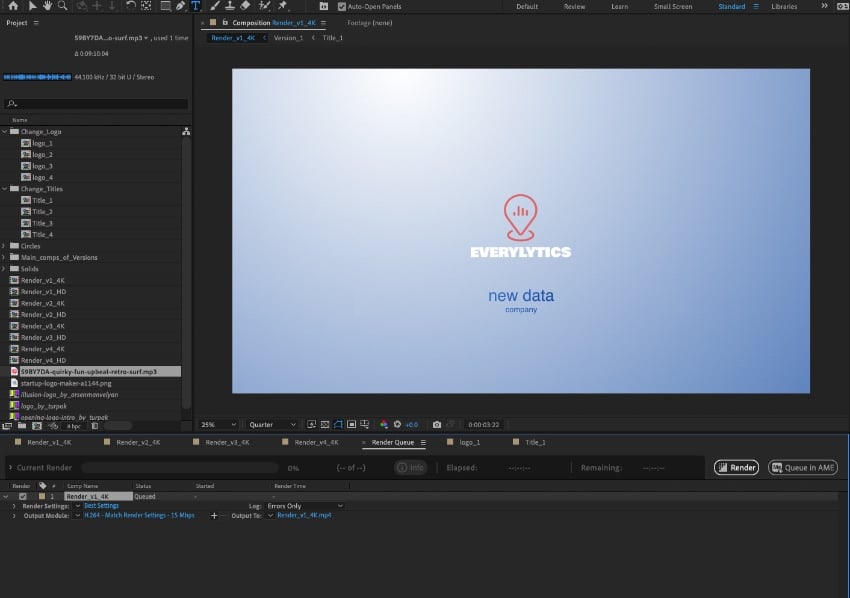
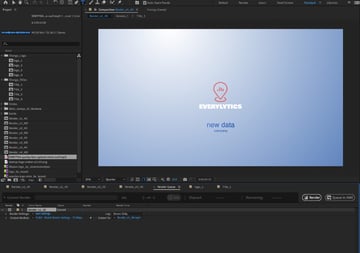
After Effects will export your complete logo animation, ready for sharing and viewing! It’s amazingly easy.
How to Design a Lighthouse Logo (With Examples!)
4 Tips for Logo Animation Design
Keep these tips in mind while you work on customizing your logo animation.
1. Keep Your Logo Reveal On Brand
This may seem obvious, but it’s a helpful tip to remember. Your brand personality should be reflected in your logo animation.
If your brand is known for being serious or quirky, choose animations that match that feeling. This simple Logo Animation is a great example of a template that allows you to add your brand presence easily.
2. Think About Context
Similar to the first tip, it’s important to think about where your logo animation will be seen. Is it before a new product or service reveal? Will it be used to open or close your video? Different occasions call for different styles of logo animations.
3. Make it Dynamic
Dynamic logo animation reveals are instant attention-grabbers. Energetic reveals catch the eyes of your audience and help keep your brand memorable.
There are hundreds of great premium animations that offer different styles of dynamic movement, so they’re easy to find. Dynamic Particles Logo Reveal is an excellent example of kinetic logo animations.
4. Mind the Length
While your logo animation needs to be appealing, it shouldn’t take over your content. That’s why it’s important to keep an eye on the length of your reveal. This should scale depending on the length of your videos.
Aim for five seconds or less for videos under a minute, and up to ten seconds for videos that are a few minutes long.
More Great After Effects Resources
-
 6 Top Logo Sting Video Templates for After Effects
-
How to Use Logo Animation Templates in After Effects
-
How and Why: Create an Animated Logo Reveal
-
10 Top Letter Logo Animation Templates for After Effects









About This Page
About The Authors
This page was edited by Jackson Couse. It was written and updated by Marie Gardiner and by Envato staff writers.
Share Your Craft on the Envato Forums
Have you used one of our featured items? Let us know on the Envato forums. We love to see the projects you create!
You Just Saw the Best After Effects Logo Animation Templates
Adobe After Effects logo animations give you incredible power. You don’t have to learn how to animate a logo in After Effects, truly. Instead, start with premium logo animation templates. These designs far outpace the logo animation free designs floating around.
Your brand should take the center stage in your video productions. Use these Adobe After Effects logo animations to do just that. Start with a template, add your specifics, and you’re ready to go!
